
Take the calculators to the smoker. All four cook time calculators on your phone, working with no signal, with an alert at every step of the cook.
Enter the weight, your smoker temp and when you want to eat. You get the time to light the fire, when the meat goes on, when to wrap, when it comes off and when to slice — the same numbers as the calculators on this site, on the device that is already in your pocket at the pit.
Get it on the App Store
Free. iPhone, iOS 15 or newer.
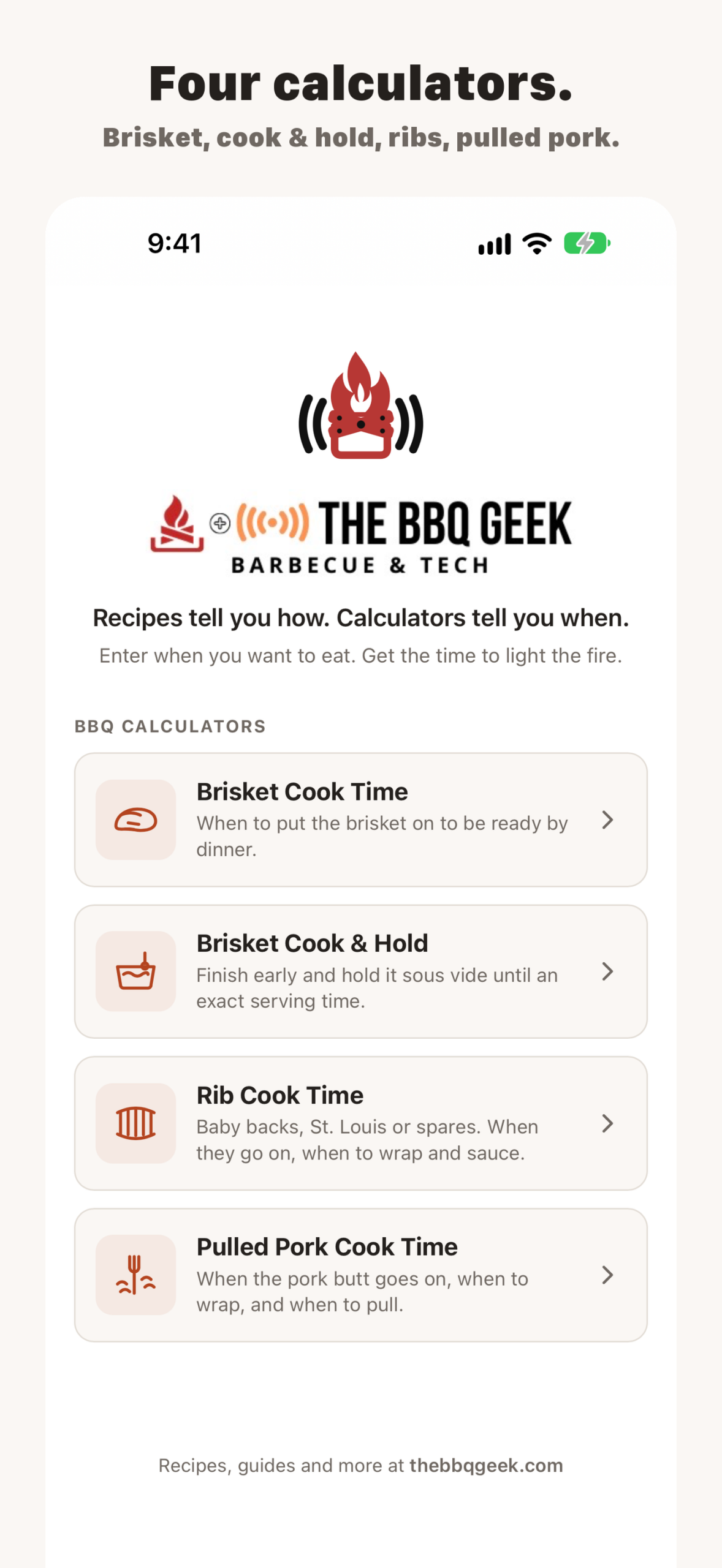
4 Easy to use Calculators
in the app
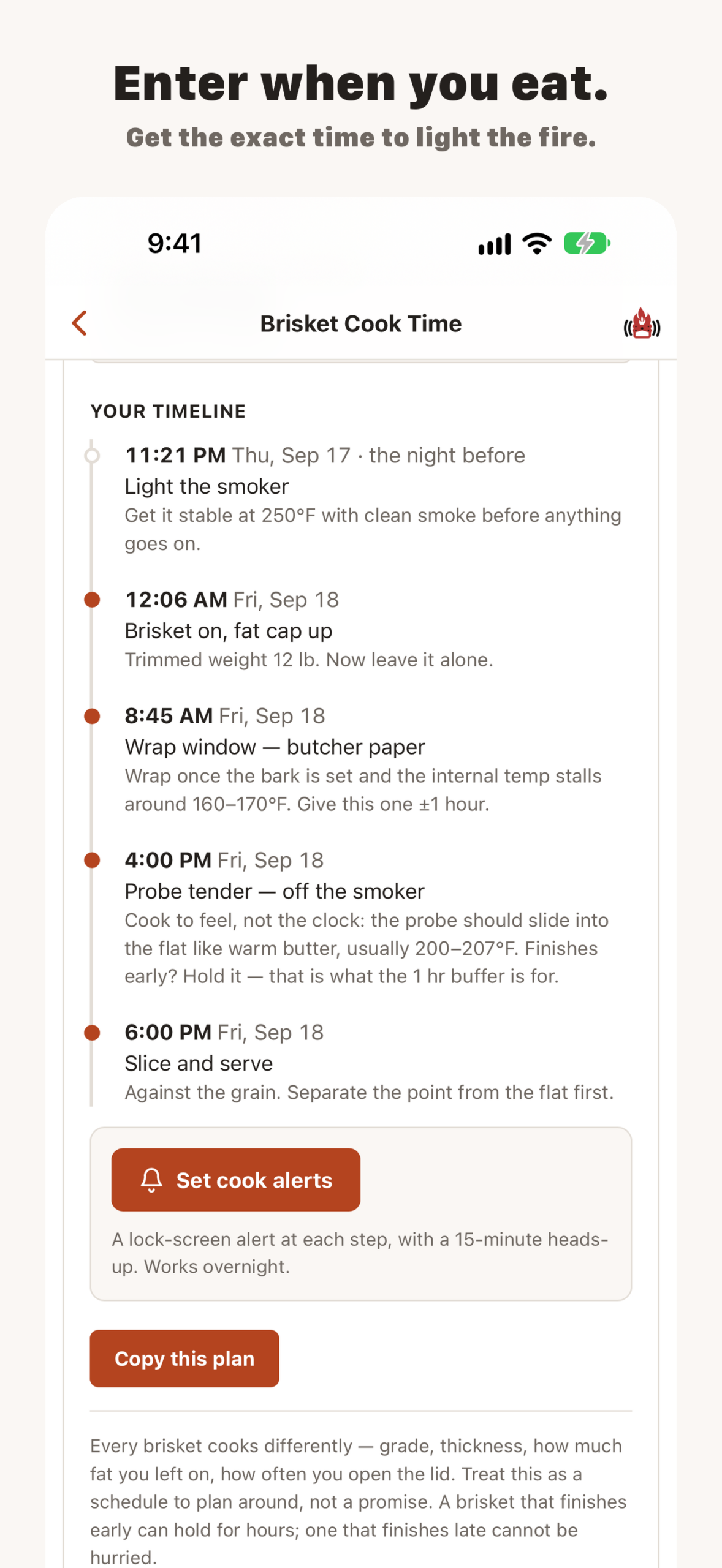
A brisket cook timeline
in the BBQ Geek app
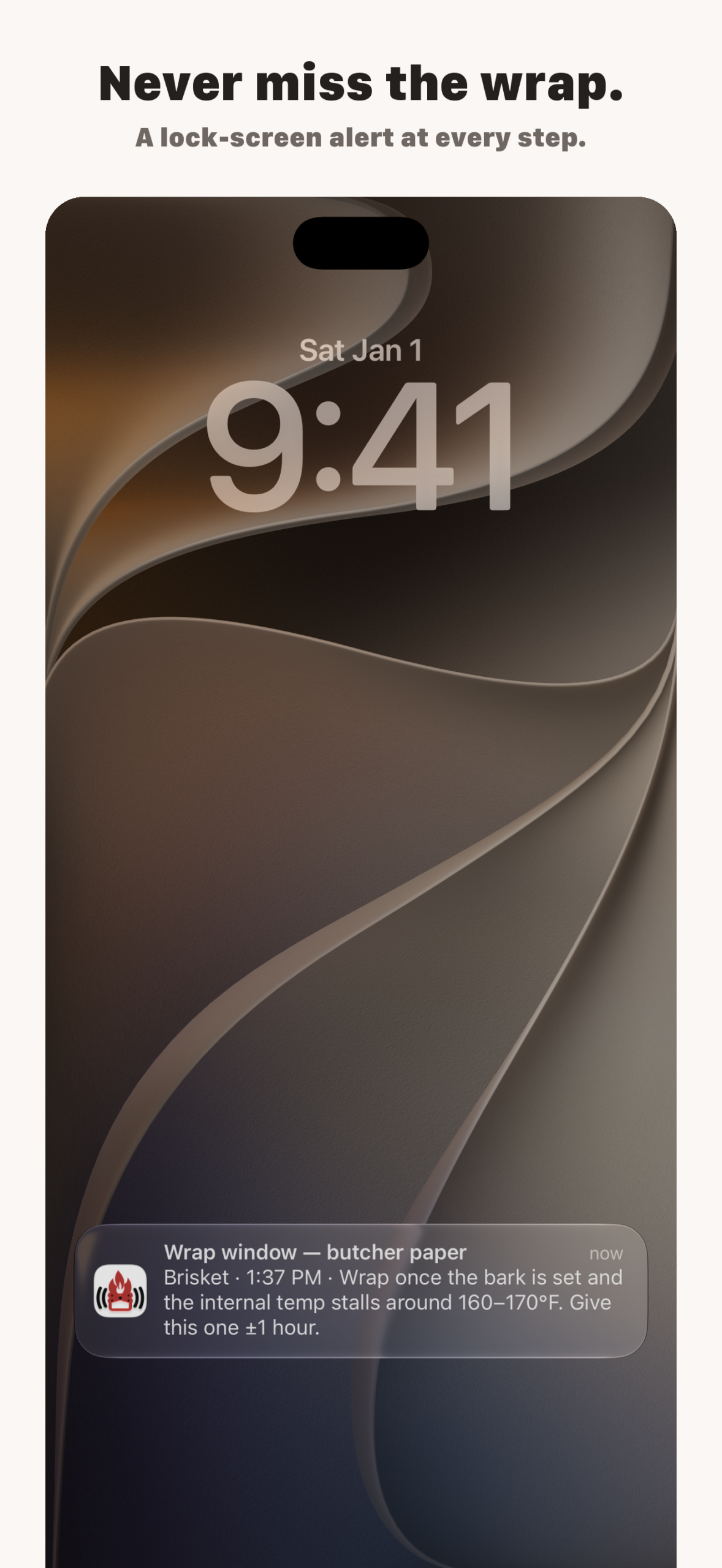
A wrap window alert
on the iPhone lock screen
What you get
- All four calculators, free. Brisket Cook Time, Brisket Cook & Hold, Rib Cook Time and Pulled Pork Cook Time.
- Works offline. Everything runs on the phone, so one bar of signal in the backyard is not a problem.
- Cook alerts. A lock-screen notification at every step of your timeline, with a fifteen-minute heads-up before each one, and they break through Sleep Focus for the overnight wrap.
- It remembers your cook. Close the app, come back, the plan is still there.
- No account, no ads, no tracking. Nothing you type leaves the phone.
What it costs
The app and all four calculators are free. Cook alerts are part of BBQ Geek Pro, a one-time $4.99 purchase — not a subscription. It covers the Apple developer account and the time behind the calculators.
On Android, an iPad or a computer
The App Store version is iPhone only for now. Everywhere else, there is a web app version: the same four calculators, installable to your home screen, working offline. It cannot send the cook alerts, which is the one thing that needs a real app.
Installing the web app
- Android: open the link above in Chrome and tap Install when the banner appears, or open the Chrome menu and choose Add to Home screen.
- iPad: open it in Safari, tap the Share button, then Add to Home Screen.
- Mac or PC: Chrome and Edge offer to install it from the address bar, or just bookmark it.
-
Questions
Is the app free?
Yes. Download it and use all four calculators without paying anything. The only paid part is cook alerts, a one-time $4.99 unlock.Is there an Android version in the Play Store?
Not yet. Use the web app above in the meantime. If enough people ask for it, thePlay Store version is next.Does it work without cell service? Yes. Every calculator works offline, and the alerts are scheduled on the phone itself, so they fire with no signal at all.Does it have the same calculators as the website?
Yes, all four, running the same numbers.I bought Pro and got a new phone.
Open the Pro sheet in the app and tap Restore purchase. It is tied to your Apple ID.How do I remove it?
Press and hold the icon and tap Remove App, same as anything else. Nothing is left behind.